
Download
A Free Eclipse Package
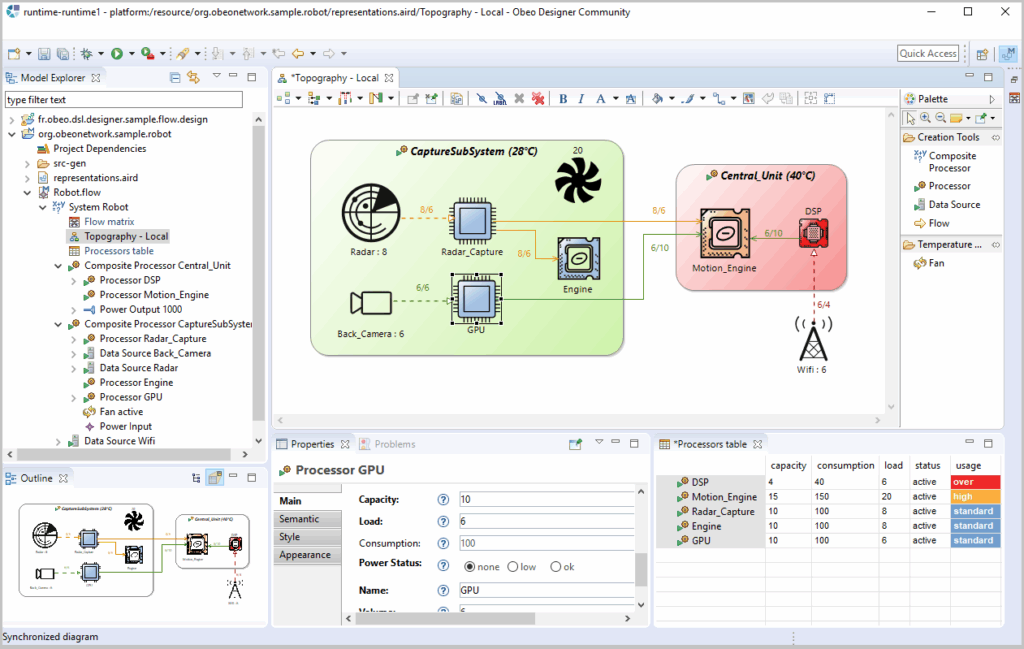
Start using Sirius Desktop with Obeo Designer Community edition, a ready-to-use package including only Open Source technologies.
Note: This package integrates Sirius Desktop 7.5.0
Download Obeo Designer for another platform
Update Site
Required configuration
- 2 Ghz 64-bit (x64) processor
- 1 GB of available system memory
- At least 500 MB of available space on the hard drive for installation
- JRE version 21
Note for installation on macOS
Please choose the bundle corresponding to your architecture:
- If you have an Apple Silicon processor (aarch64),
- we recommend to use the aarch64 product with an aarch64 JRE.
- Using the x86_64 product with a x86_64 JRE is still possible but you will encounter slower performances.
- If you have an Intel processor (x86_64), the x86_64 product with a x86_64 JRE is the only working combination.
As Obeo Designer application is not signed yet, it can be considered as damaged by macOS
Here are three workarounds to install the product on this platform:
- w1: After unzipping Obeo Designer and before the first launch, move it to another folder
- w2: Open a terminal in the Folder where you unzipped the application and launch ./ObeoDesigner-Community.app/Contents/MacOS/obeodesigner
- w3: Remove the quarantine status
- Open a terminal in the folder containing ObeoDesigner-Community (the .app extension is usually hidden)
- Execute: xattr -d com.apple.quarantine ObeoDesigner-Community.app
- Double click the ObeoDesigner-Community
- Regarding the version of macOS and its configuration you might need one or a combination of the three workarounds.
Training, Consulting & Coaching, Custom Development...
We can help you!
Benefit from the experience of Sirius and Eclipse Modeling experts.
Need Collaborative Features for Sirius Desktop?
Obeo Designer Team edition allows you to store your models and representations (diagrams, tables, trees) in a shared repository to facilitate collaboration with your other team members.