What's New in 5.0

User experience improvements

New functionnalities have been added to improve the usability of graphical designers created with Obeo Designer.

Editor contextual toolbar

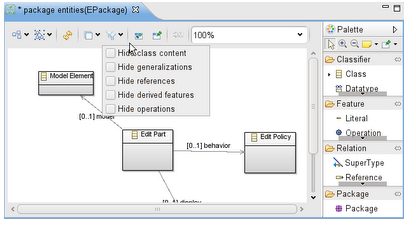
A contextual toolbar is integrated within the editor. It provides the main actions which can pe performed on the current diagram and on the model elements displayed on it

od 50 contextual tool bar

Show/Hide elements

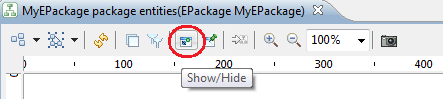
It is now very easy to select the model elements to show or hide on a diagram.

Obeo Designer - Hide/Show Object

Pin/Unpin elements

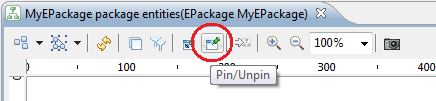
Model elements can be pinned on a diagram to prevent them from moving during an automatic layout.

Obeo Designer - Pin/Unpin Object

Quick outline

The Ctrl+O keystroke opens a dialog box containing all the model elements contained on the current diagram. From this dialog box, it is possible to find and select a model element on the diagram.

Obeo Designer - Quick Outline

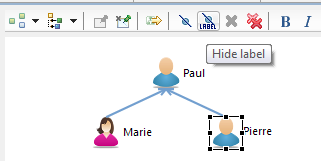
Show/Hide labels

The label of the selected model elements can be hidden from the diagram.

Obeo Designer - Hide Label

Transparent management of sessions

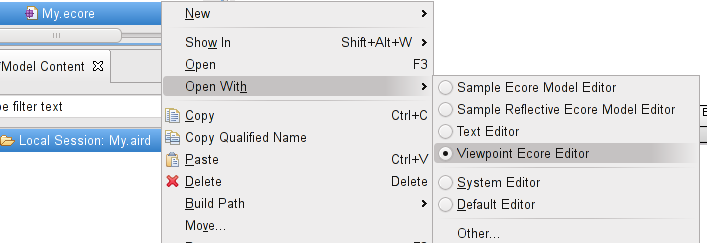
It is now possible to open a designer without creating a session. A session can be created on the fly, stored in a temporary folder and automatically removed after the editor has been closed.

Obeo Designer - Session

New kind of representations: Tree

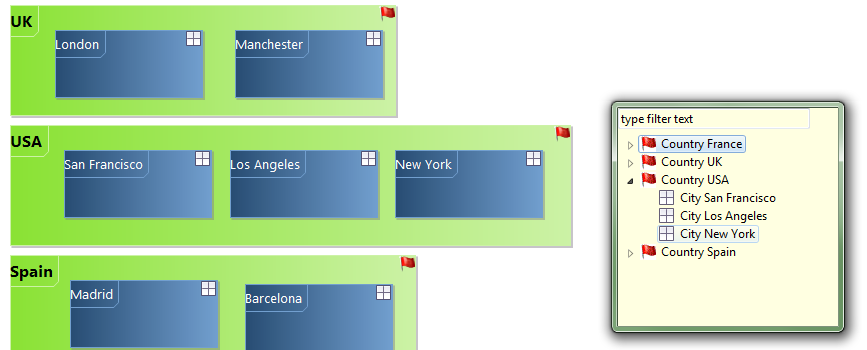
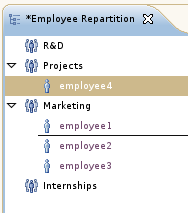
Trees bring a hierarchical viewpoint of datas, as they can provide a lot of informations in a clear and concise way. Obeo Designer 5.0 introduces this new kind of representation with Drag & Drop, Direct Edit, Navigation, etc.

Obeo Designer - Tree

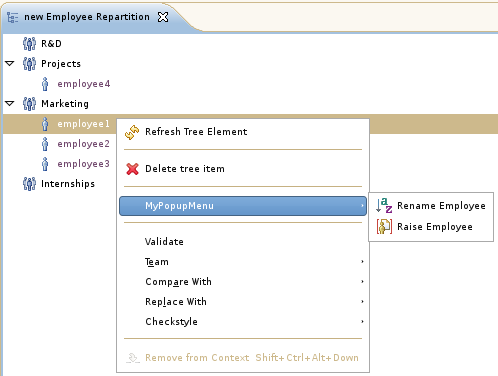
Popup can be added to allow the user to perform specific actions on model elements.

Obeo Designer - Popup Tree

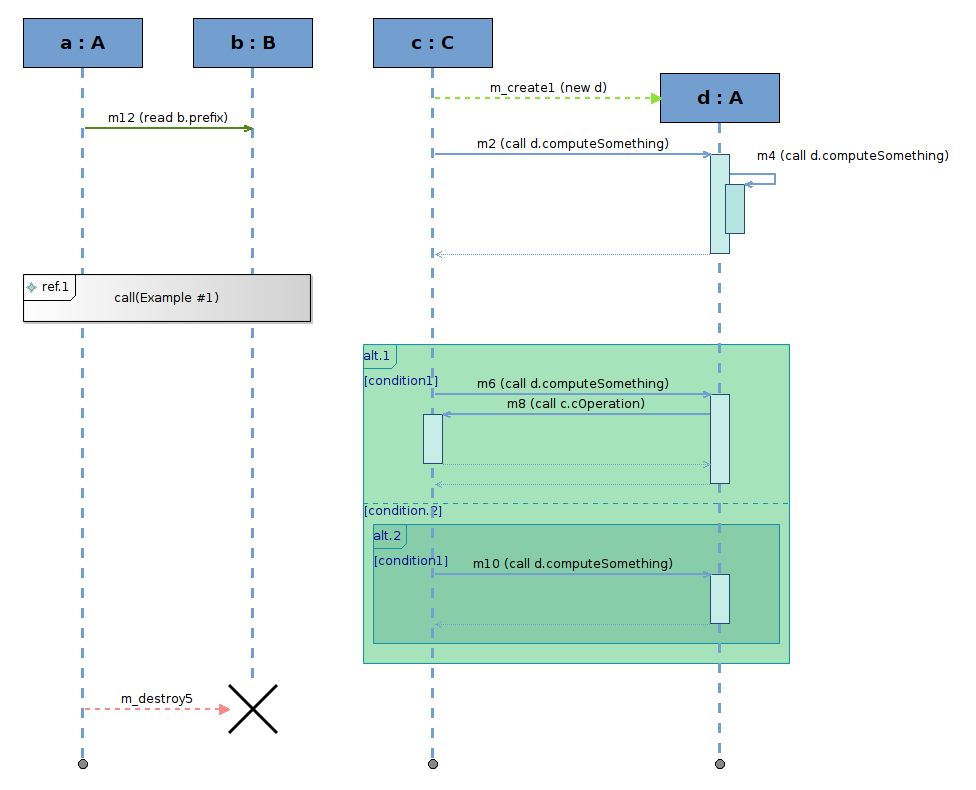
New kind of representations: Sequence diagrams

Sequence Diagrams are now supported by Obeo Designer 5.0. Inspired by UML, this new kind of representation can be used with any DSL.

Complex sequence diagrams can be created, thanks to the management of combined fragments.

Obeo Designer - Sequence

Graphical configuration

Several new features have been added to customize the graphical rendering of model elements.

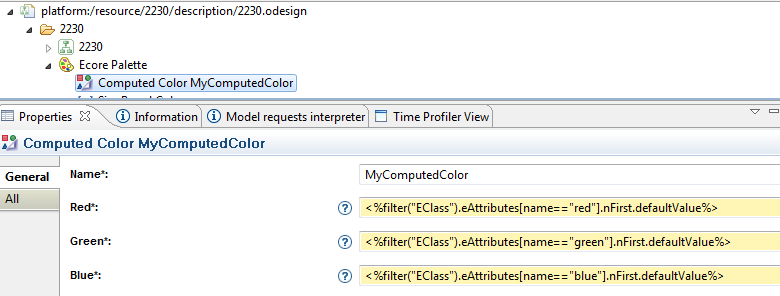
Advanced management of colors

Colors of model elements can be dynamically computed by defining expressions (OCL, Acceleo, etc.)

Obeo Designer - Computed Color

Interpolated colors can be defined to generate colors depending of the object properties.

Obeo Designer - colors inter polar

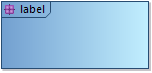
New type of label for the containers

The label of a container can be displayed in a corner compartment.

Obeo Designer - Label

Conditional tools

Buttons in the palette can be visible depending on a precondition.

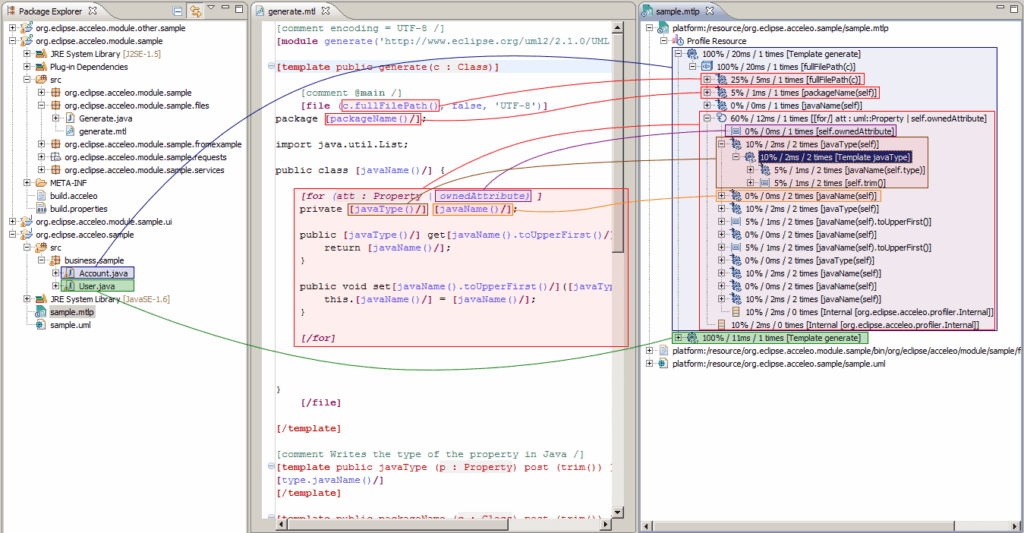
Acceleo 3.0

Obeo Designer 5.0 integrates Acceleo 3.0 as the solution for code generation and synchronization between models and generated code.

Acceleo is an official project of the Eclipse Foundation since 2009 and has become the reference solution for the Eclipse code generation. The new version implements the MTL syntax, the OMG standard based on OCL.

Acceleo 3.0 provides most of the features that can be expected from a top quality code generator IDE (editor, debugger, profiler, etc.)

Obeo Designer - ATL

ATL 3.1

ATL 3.1 comes with lots of improvements:

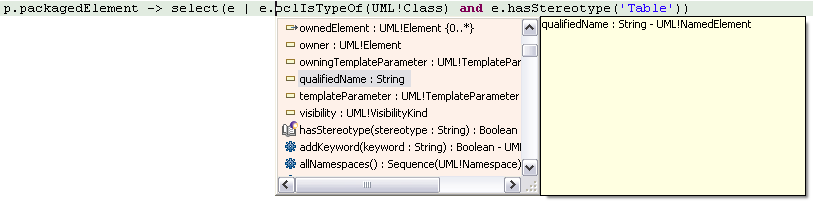
Editor

Auto-completion, navigation, documentation, searchs

Obeo Designer - ATL

Debugger

Breakpoints, step-by-step debugging, etc

Obeo Designer - Debugger

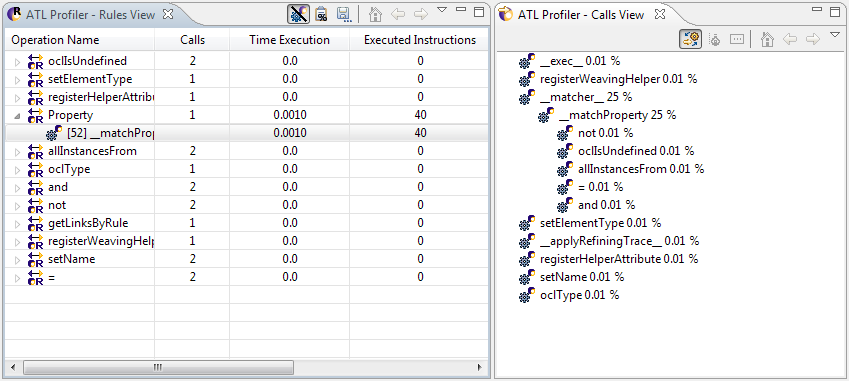
Profiler

Gives the time spent during each step of the model transformation

Plug-ins

JAR export, API launching

Eclipse 3.6 as the reference platform

Obeo Designer is based on Eclipse 3.6 (Helios).

I still supports Eclipse 3.3 (Europa), 3.4 (Ganymede) and 3.5 (Galileo).

Read the many others improvements described in the Change Log.